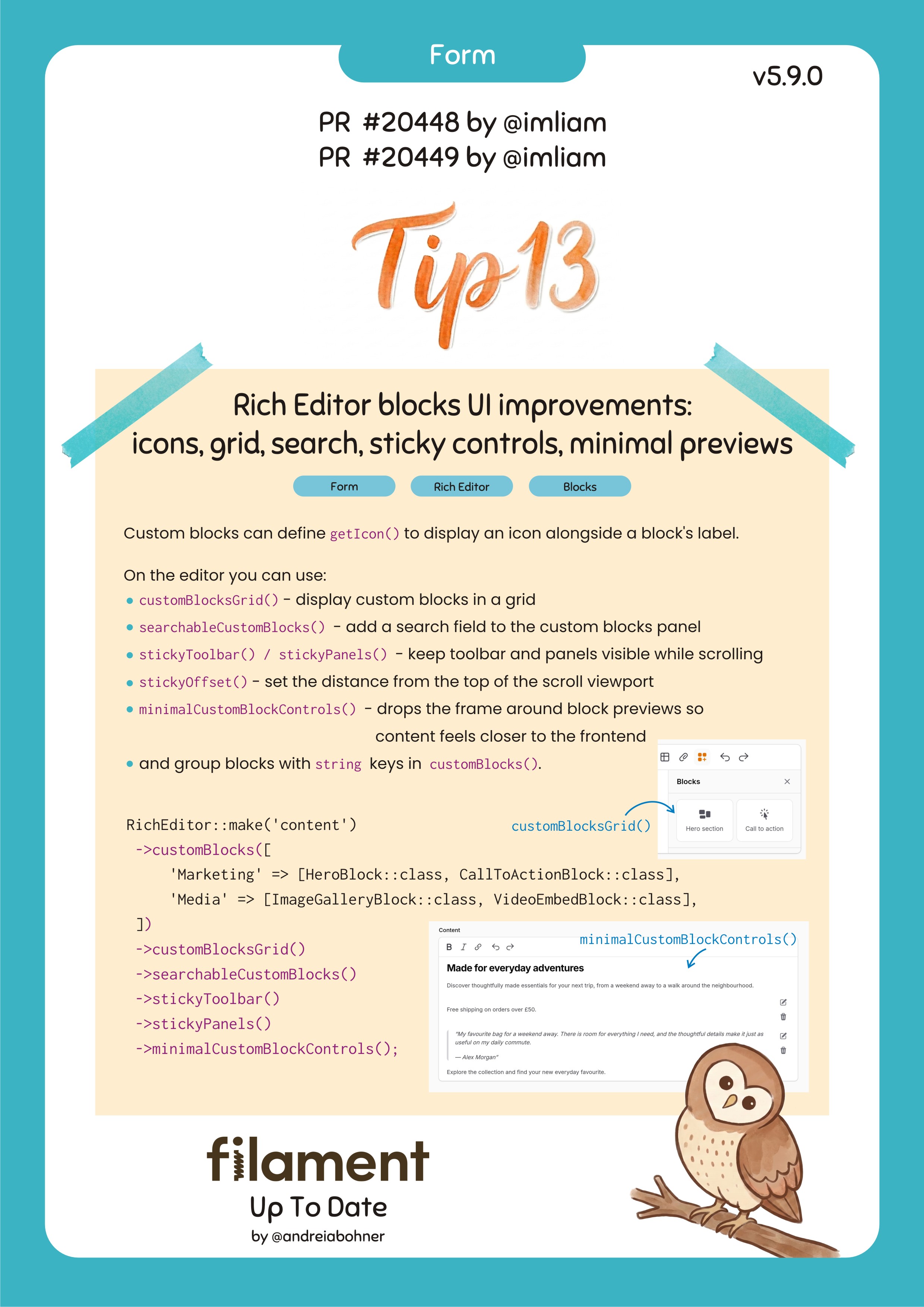
Rich Editor blocks UI improvements: icons, grid, search, sticky controls, minimal previews
Custom blocks can define getIcon() to display an icon alongside a block's label.
On the editor you can use:
customBlocksGrid()- display custom blocks in a gridsearchableCustomBlocks()- add a search field to the custom blocks panelstickyToolbar()/stickyPanels()- keep toolbar and panels visible while scrollingstickyOffset()- set the distance from the top of the scroll viewportminimalCustomBlockControls()- drops the frame around block previews so content feels closer to the frontend- and group blocks with string keys in
customBlocks().
RichEditor::make('content')
 ->customBlocks([
     'Marketing' => [HeroBlock::class, CallToActionBlock::class],
     'Media' => [ImageGalleryBlock::class, VideoEmbedBlock::class],
 ])
 ->customBlocksGrid()
 ->searchableCustomBlocks()
 ->stickyToolbar()
 ->stickyPanels()
 ->minimalCustomBlockControls();