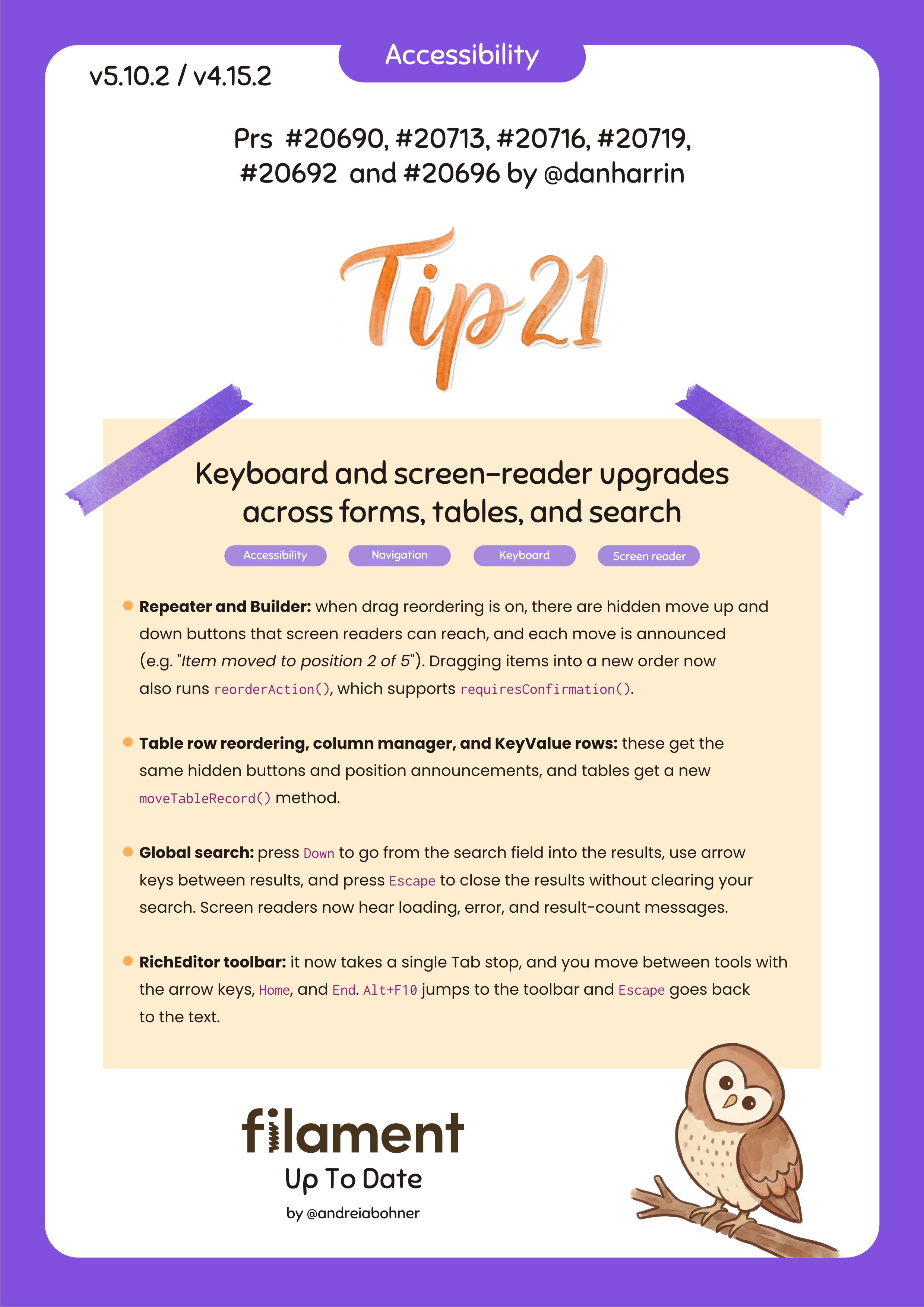
Keyboard and screen-reader upgrades across forms, tables, and search
- Repeater and Builder: when drag reordering is on, there are hidden move up and down buttons that screen readers can reach, and each move is announced (e.g.
"Item moved to position 2 of 5"). Dragging items into a new order now also runsreorderAction(), which supportsrequiresConfirmation(). - Table row reordering, column manager, and KeyValue rows: these get the same hidden buttons and position announcements, and tables get a new
moveTableRecord()method. - Global search: press Down to go from the search field into the results, use arrow keys between results, and press Escape to close the results without clearing your search. Screen readers now hear loading, error, and result-count messages.
- RichEditor toolbar: it now takes a single Tab stop, and you move between tools with the arrow keys, Home, and End. Alt+F10 jumps to the toolbar and Escape goes back to the text.
This means an admin using a screen reader can reorder FAQ entries in a Repeater, or rows in a sortable table, without a mouse, and hear where each item ends up.